Internet tethering has become an essential feature for staying connected when Wi-Fi isn’t available. Whether you’re traveling, working remotely, or dealing with a home internet outage, tethering allows you to share your mobile data connection with other devices like laptops, tablets, or even other phones.
In this blog, we’ll explain what internet tethering is, how it works, and how to use it effectively and safely.
What Is Internet Tethering?
Internet tethering is the process of sharing your smartphone’s mobile data connection with another device. Your phone acts as a mini internet router, allowing nearby devices to connect using Wi-Fi, USB, or Bluetooth.
Tethering is often referred to as:
- Mobile hotspot
- Personal hotspot
- Phone hotspot
Most modern smartphones support tethering, and many mobile carriers include it in their data plans.
Types of Internet Tethering
1. Wi-Fi Hotspot
This is the most common and convenient form of tethering.
How it works:
- Your phone creates a Wi-Fi network
- Other devices connect using a password
- Multiple devices can connect at the same time
Best for: Laptops, tablets, and group sharing
2. USB Tethering
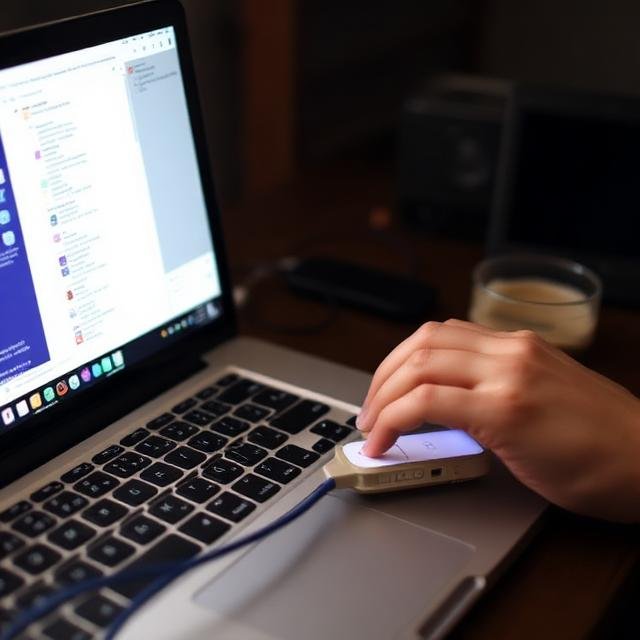
USB tethering connects your phone directly to another device using a USB cable.
Advantages:
- Faster and more stable connection
- Uses less battery than Wi-Fi hotspot
- More secure since it’s a wired connection
Best for: Long work sessions on a laptop
3. Bluetooth Tethering
Bluetooth tethering allows devices to connect over a short-range wireless link.
Pros and cons:
- Uses less power
- Slower speeds than Wi-Fi or USB
- Limited to one device
Best for: Light browsing and email
How to Enable Internet Tethering
On Android
- Open Settings
- Go to Network & Internet
- Tap Hotspot & Tethering
- Enable Wi-Fi Hotspot, USB Tethering, or Bluetooth Tethering
On iPhone
- Open Settings
- Tap Personal Hotspot
- Turn on Allow Others to Join
- Share the Wi-Fi password with connected devices
Benefits of Using Mobile Data Tethering
- Internet access anywhere without public Wi-Fi
- More secure than open hotspots
- Quick setup with no extra hardware
- Great for remote work and travel
Tethering is especially useful for digital nomads and business travelers.
Things to Watch Out For
Data Usage
Tethering can consume data quickly, especially when:
- Streaming video
- Downloading large files
- Running cloud backups
Monitor your data usage to avoid overage charges or speed throttling.
Battery Drain
Using your phone as a hotspot can drain the battery fast.
Tips to reduce drain:
- Plug your phone into a charger
- Lower screen brightness
- Turn off hotspot when not in use
Carrier Restrictions
Some carriers:
- Limit hotspot data speeds
- Cap tethering usage
- Require specific plans for tethering
Always check your carrier’s tethering policy.
Tips for Safe and Efficient Tethering
- Use a strong hotspot password
- Turn off hotspot visibility when not needed
- Disconnect unused devices
- Prefer USB tethering for long sessions
- Keep your phone’s software updated
These steps help protect your data and improve performance.
Is Internet Tethering Worth Using?
Internet tethering is a powerful tool for staying connected on the go. While it’s not a replacement for home broadband, it’s a reliable backup and a convenient solution for temporary internet needs. With the right settings and usage habits, tethering can be fast, secure, and extremely useful.
Final Thoughts
Using internet tethering to share mobile data gives you flexibility and control over your connectivity. Whether you’re working from a café, traveling, or facing an internet outage, tethering ensures you’re never completely offline. Just keep an eye on data usage and battery life to get the most out of it.